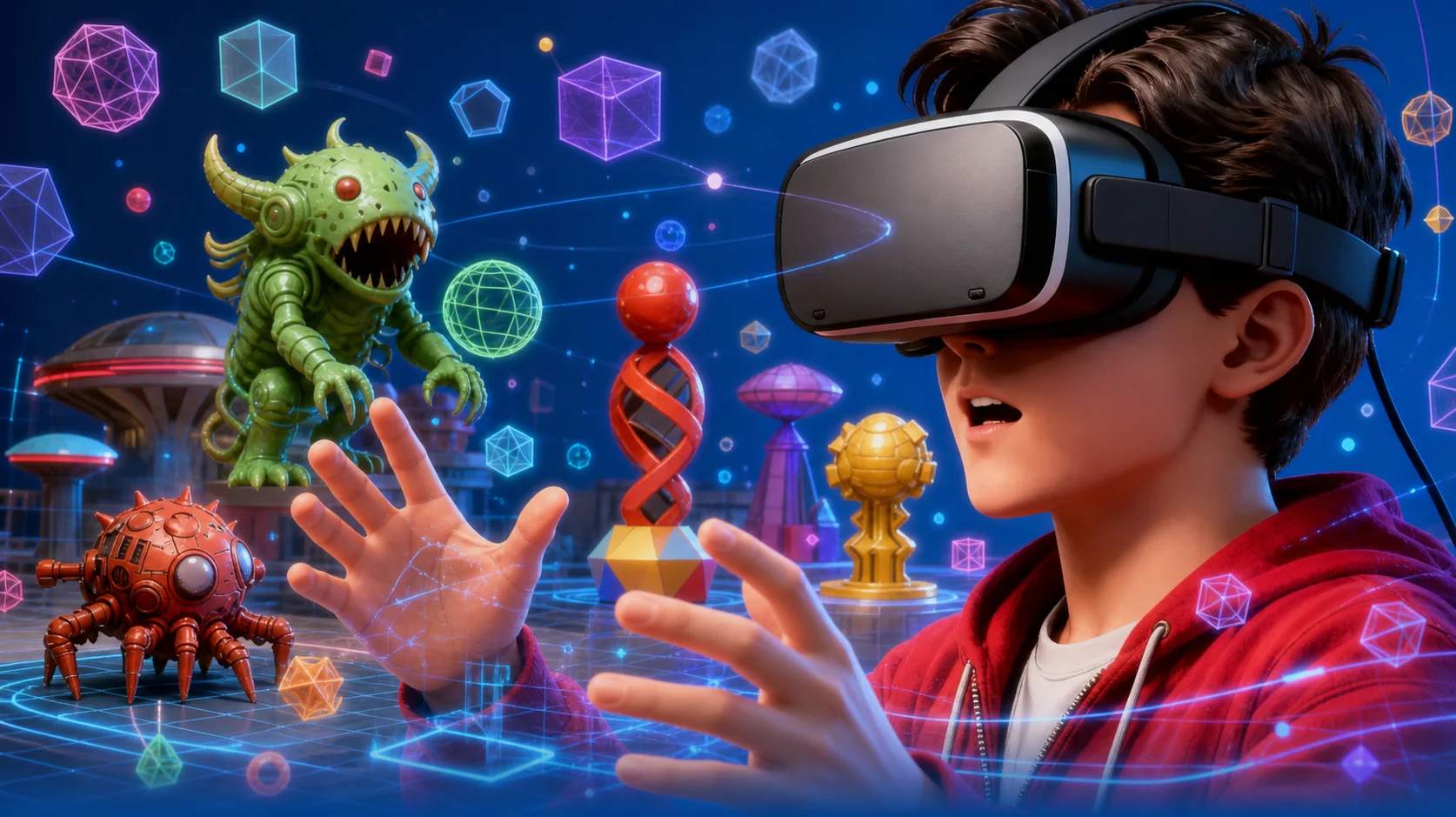
Image to 3D: Turn Any Idea Into a 3D Model in a Minute
Describe what you want and the AI turns your prompt into a clean concept image, then converts that image to a 3D model you can spin, inspect and download as a textured .glb file. No 3D software, no modeling experience, no signup — the whole AI 3D pipeline runs in your browser.
2 stagesAI 3D pipeline~60 secprompt to 3D model.glbtextured, yours to keep
Describe the object you want as a 3D model — the AI does the restLive generator
0/800
Protected by Cloudflare Turnstile. No account and no email needed.
Already have a picture? Skip the prompt and start from your own image instead — the same AI 3D model converter handles a photo, a sketch or a piece of concept art.
No signupNo software to installFree to tryTextured .glb download
Exports .glb, .obj and .stl — opens in Blender, Unity, Unreal Engine, Godot and any standard 3D viewer
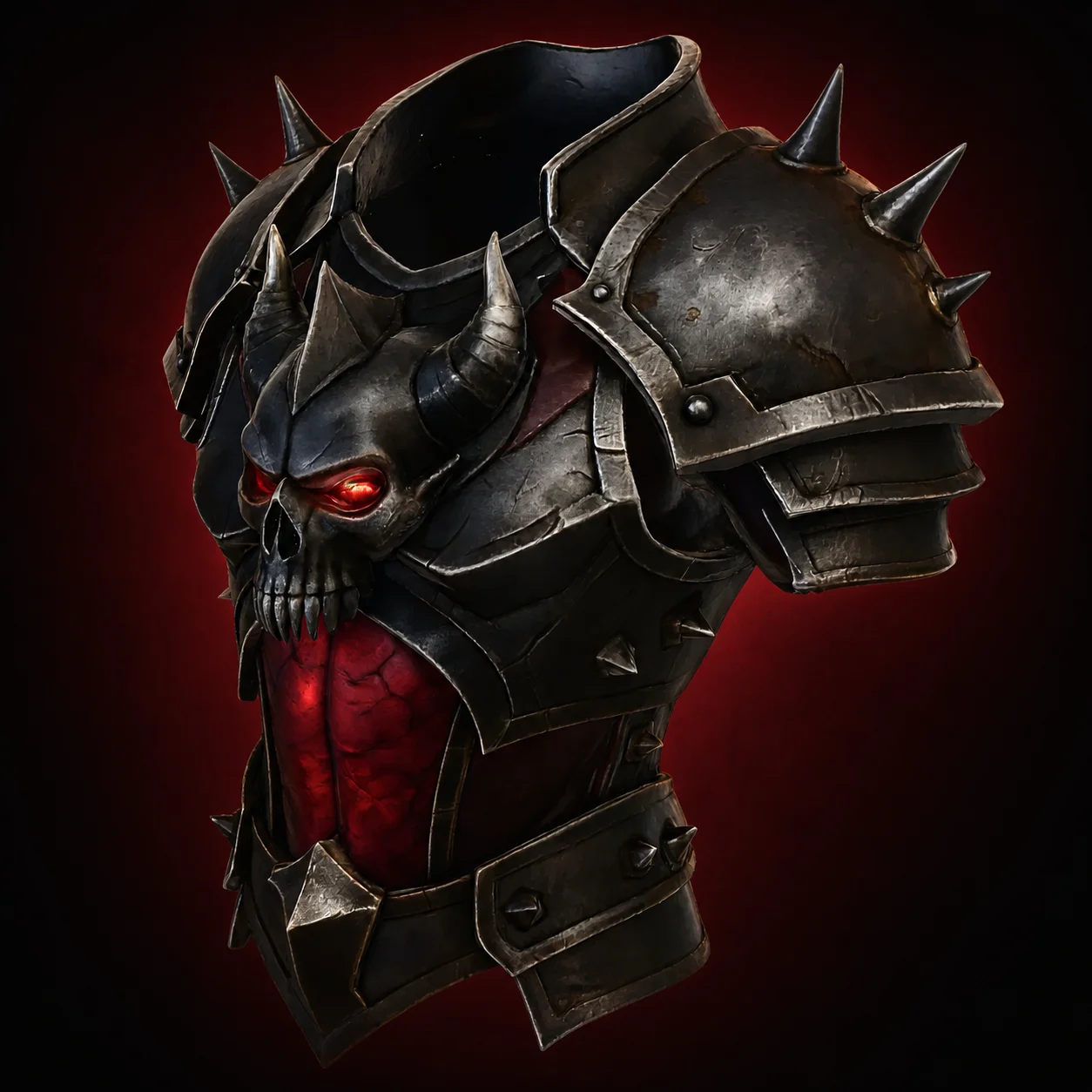
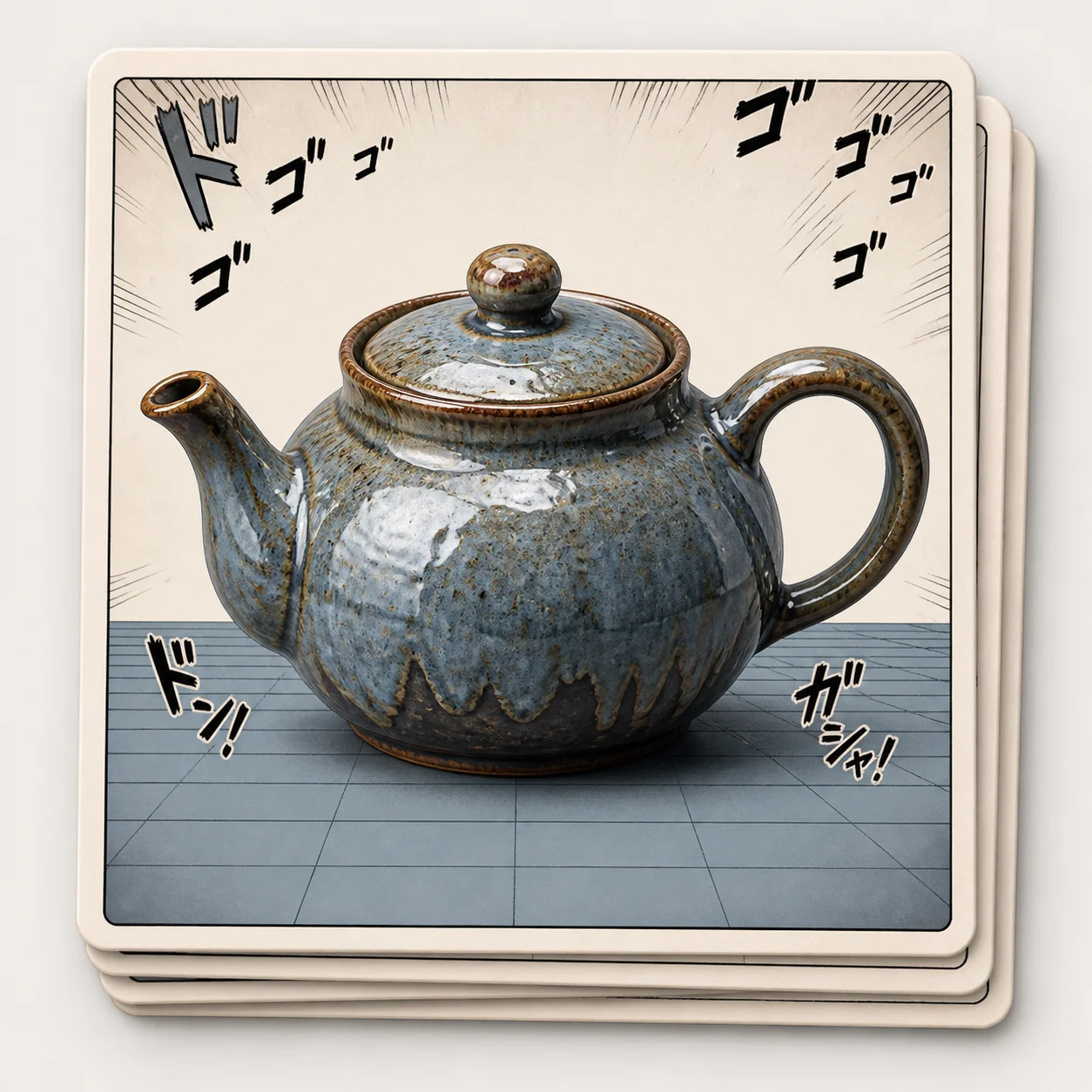
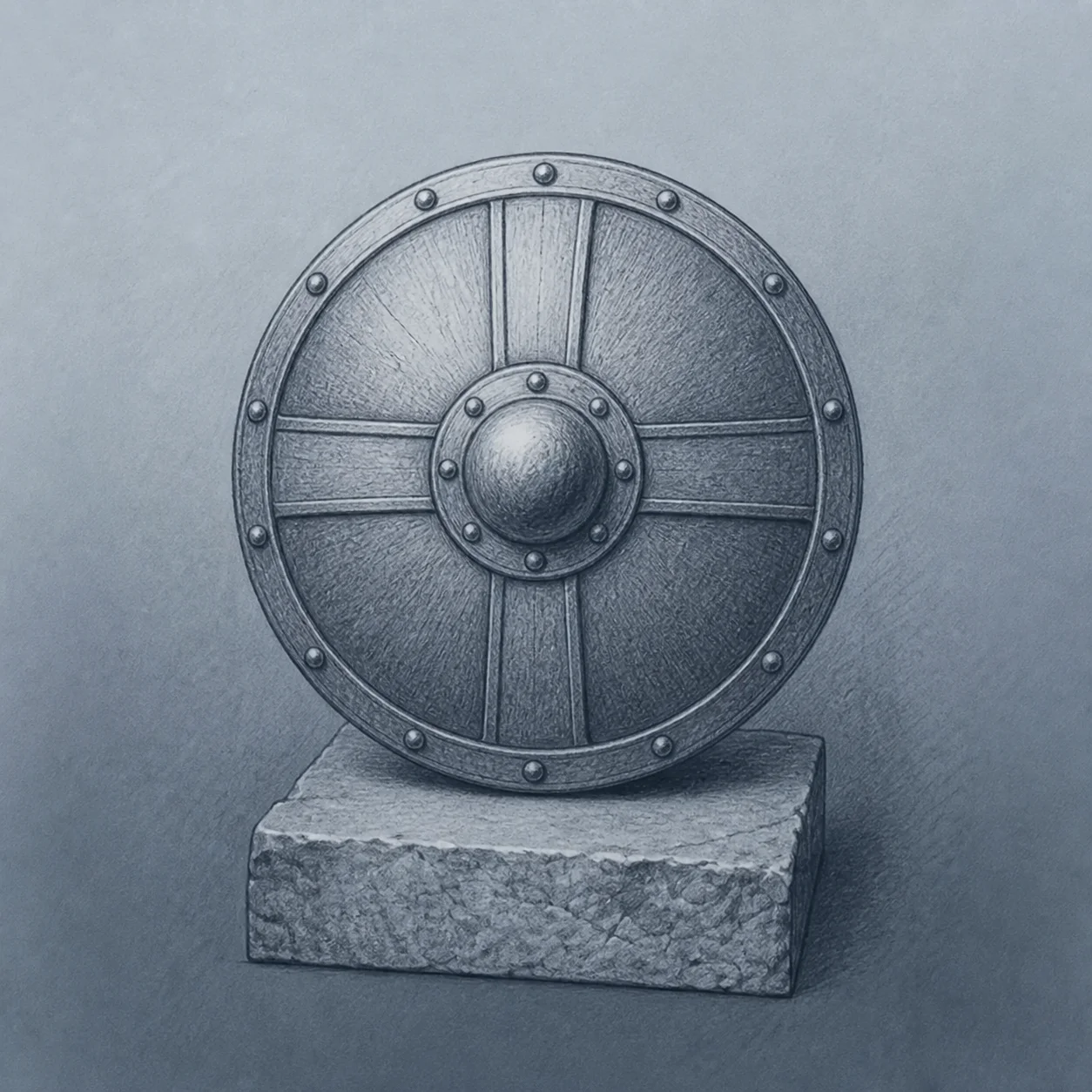
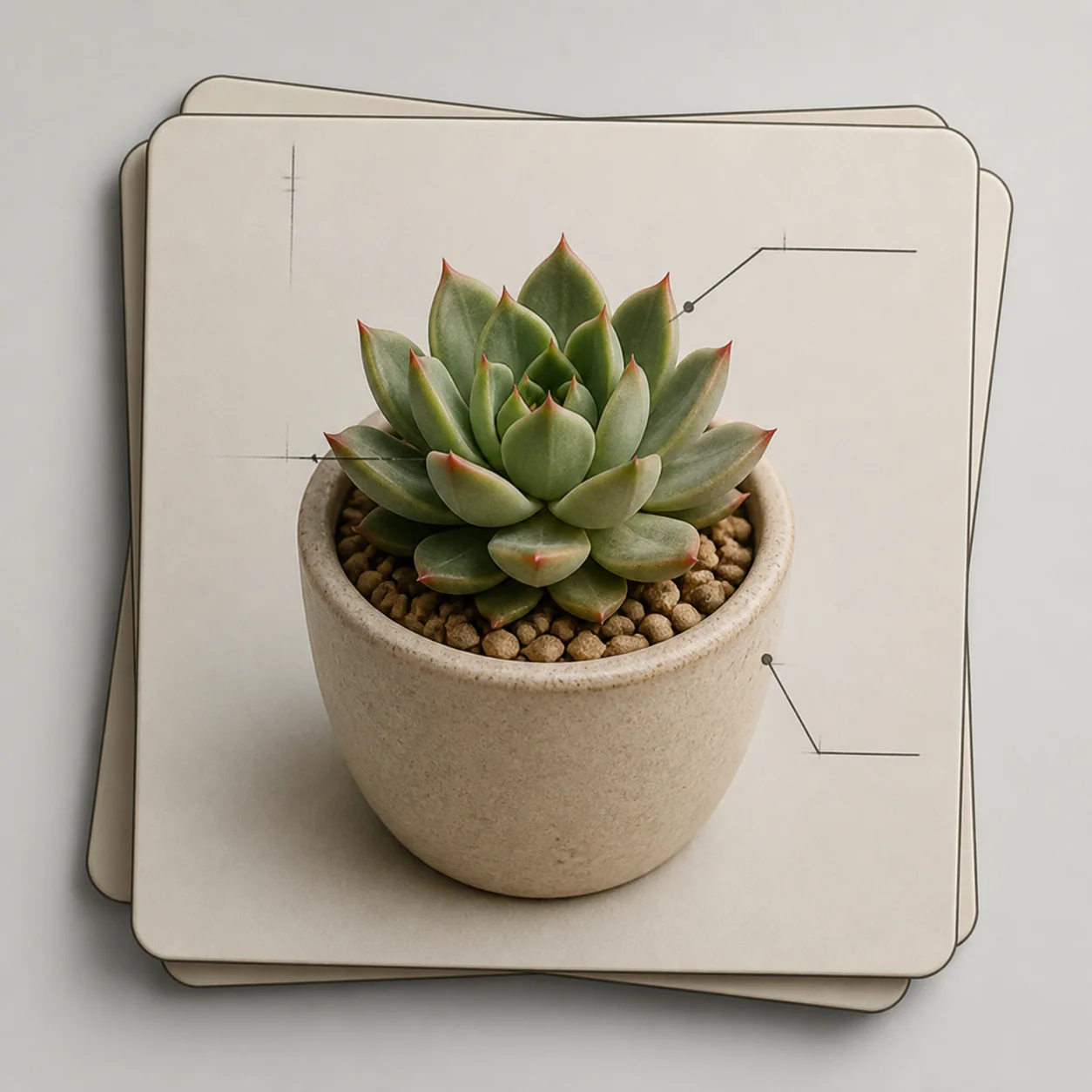
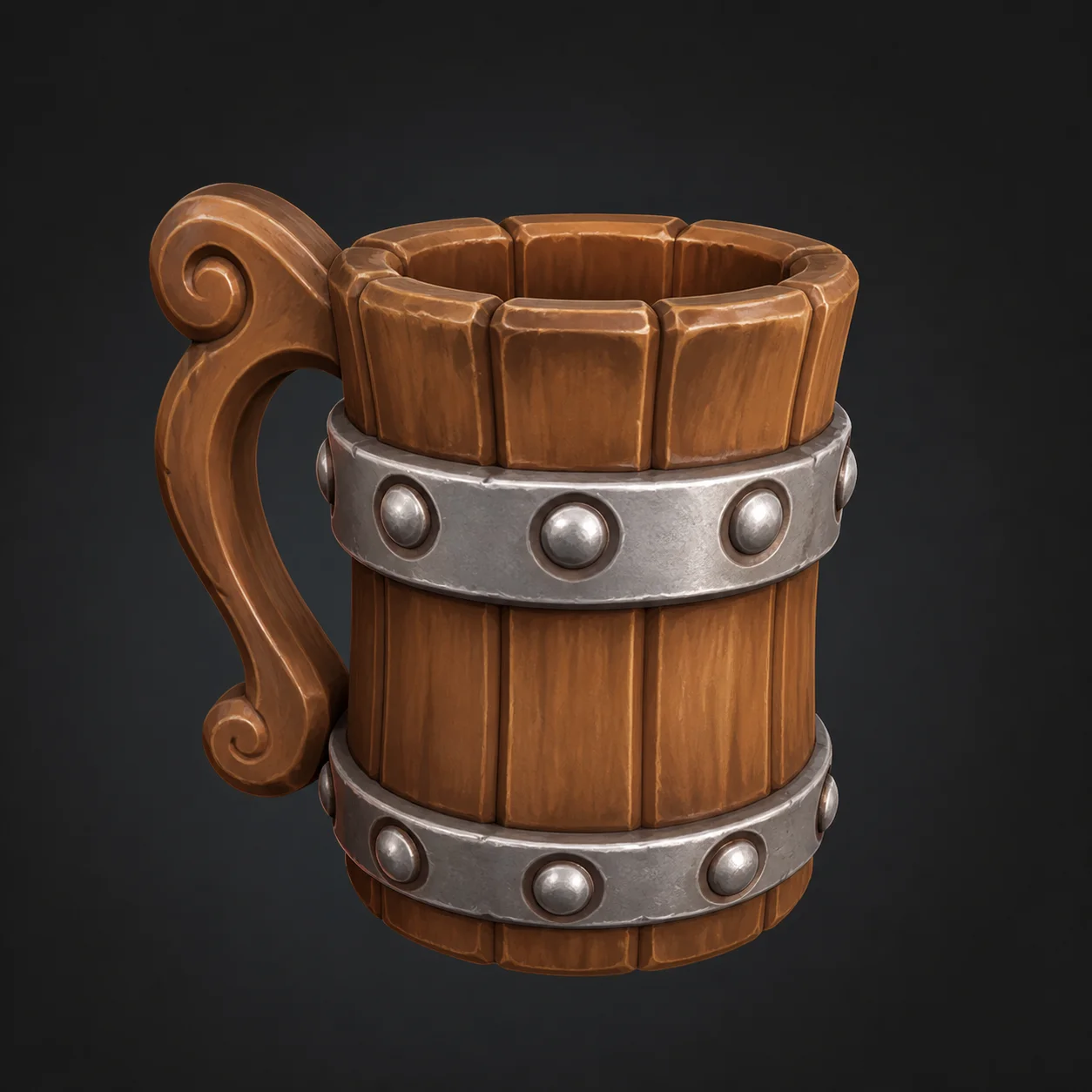
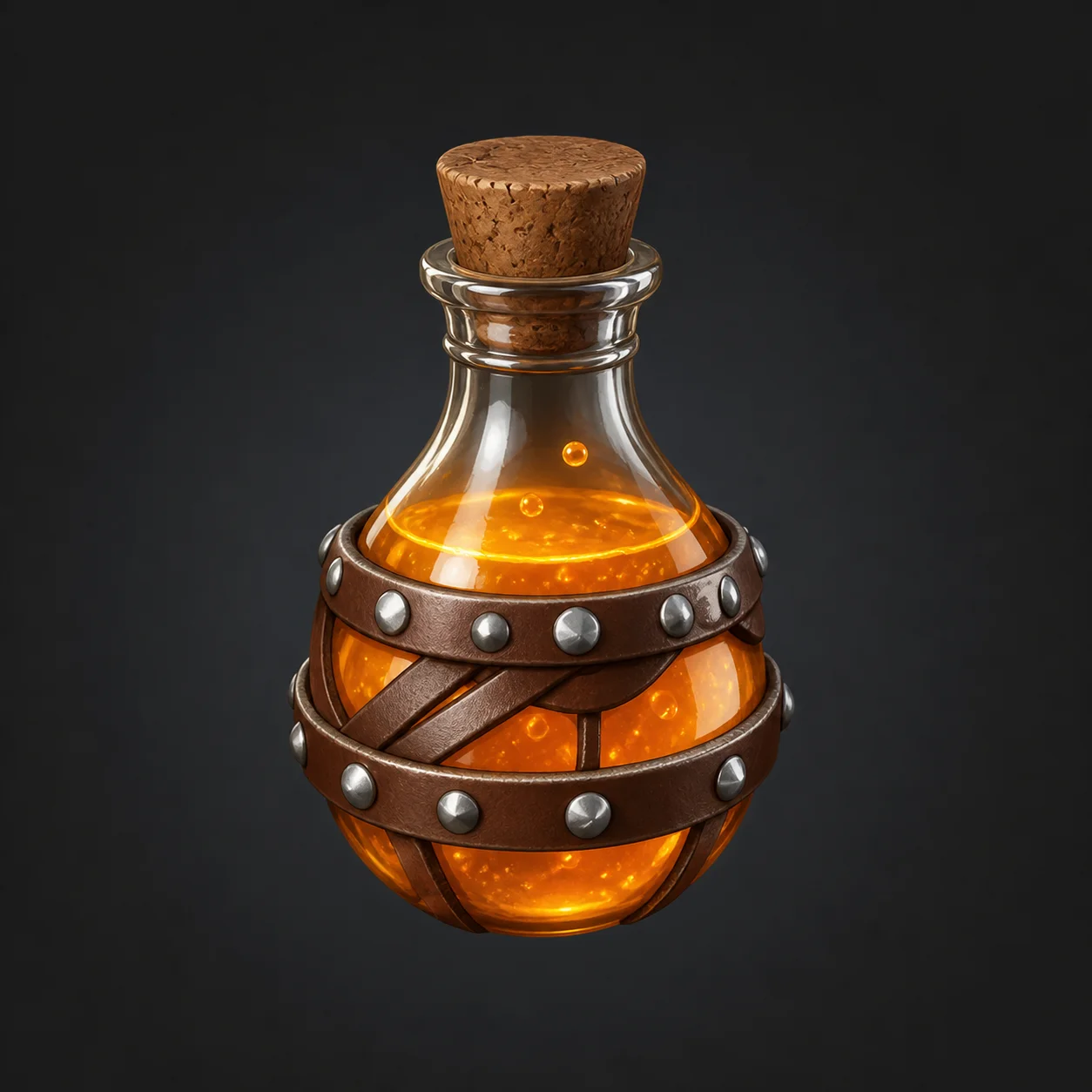
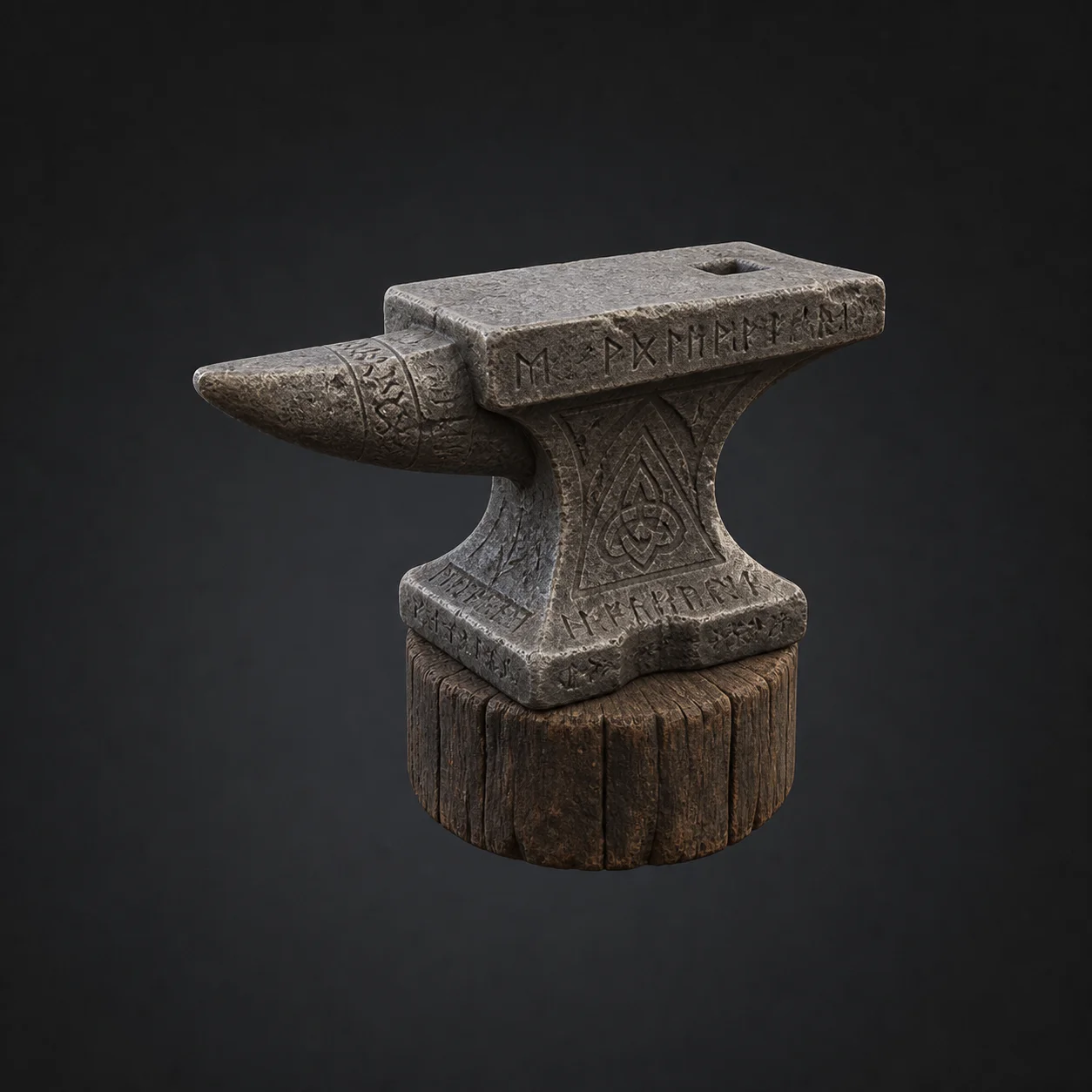
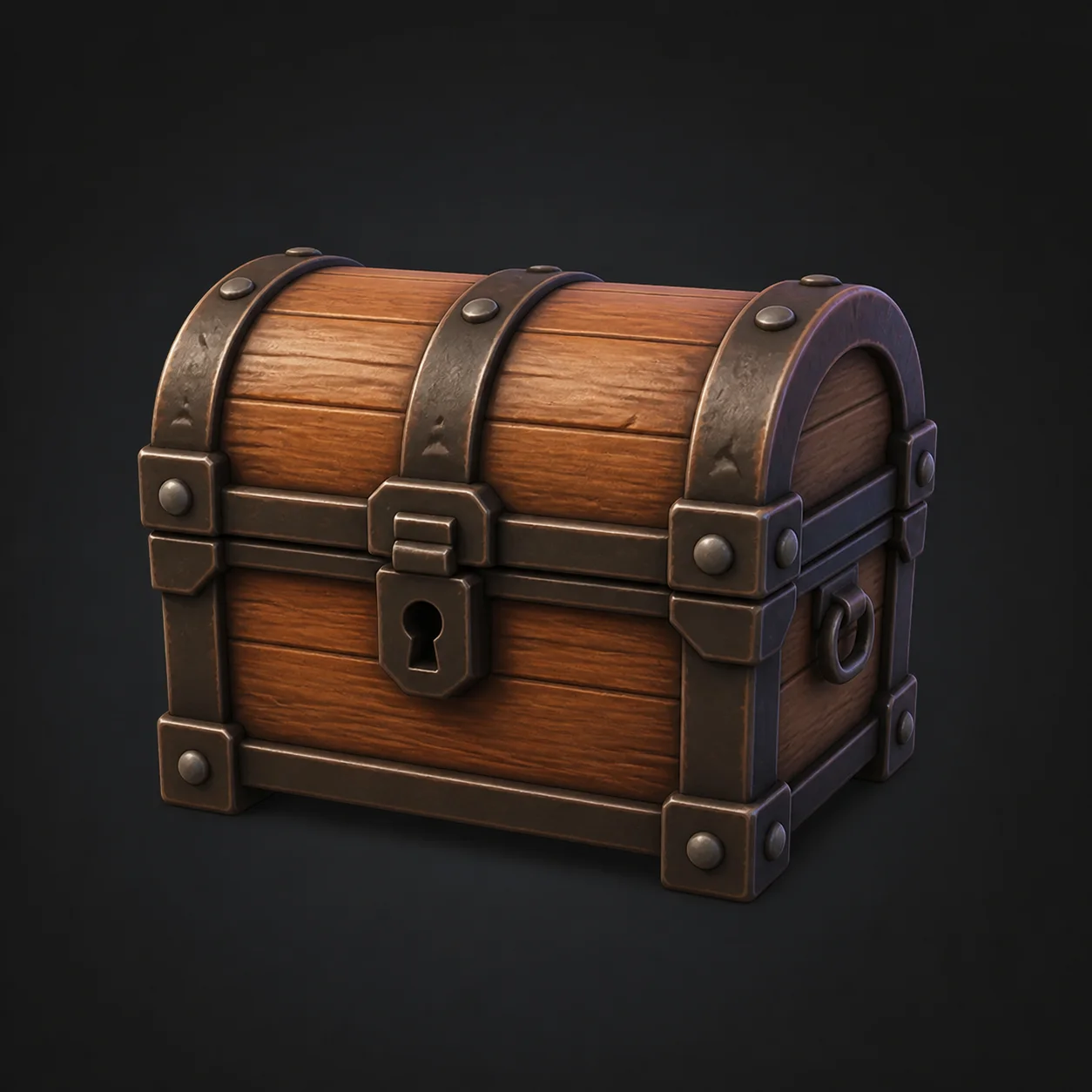
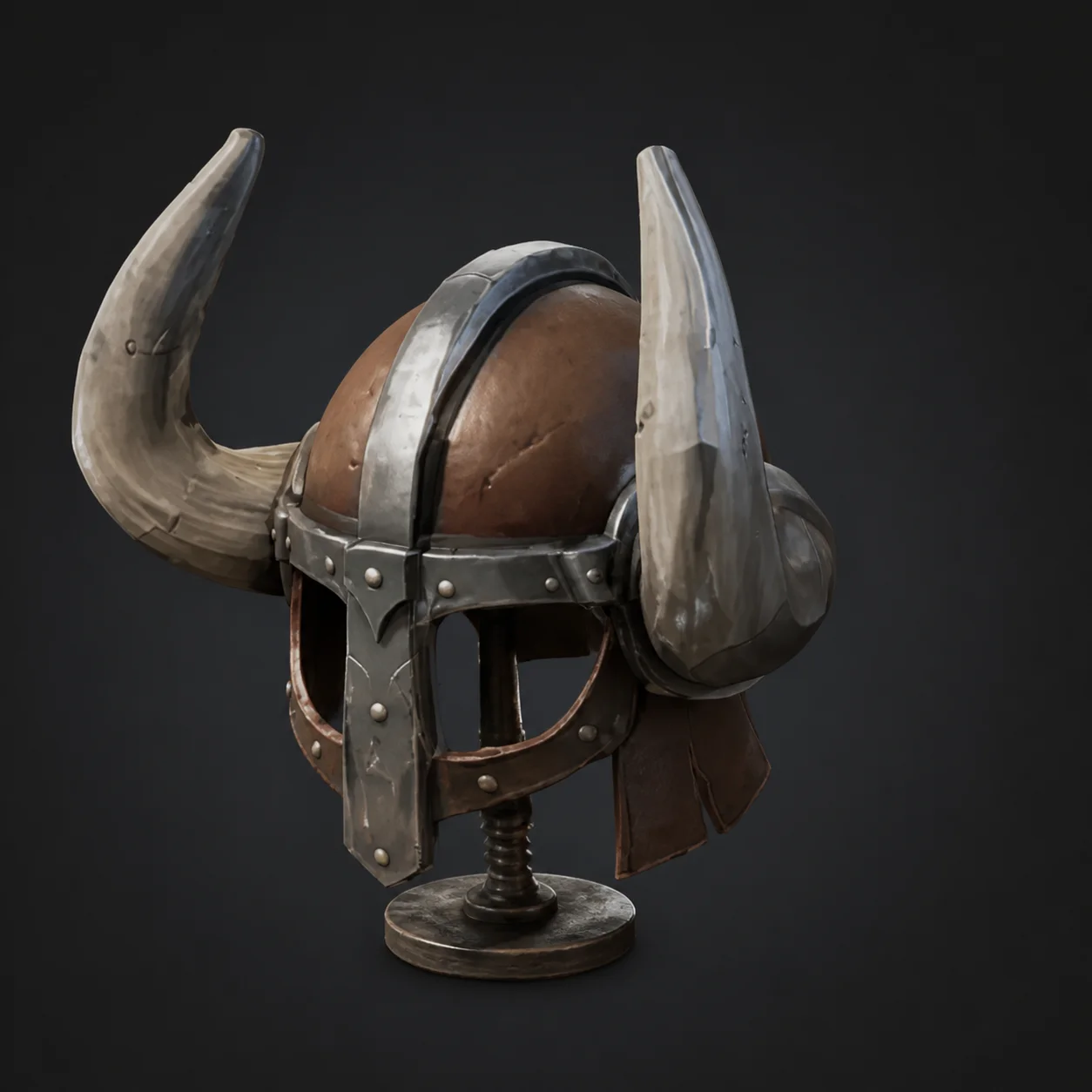
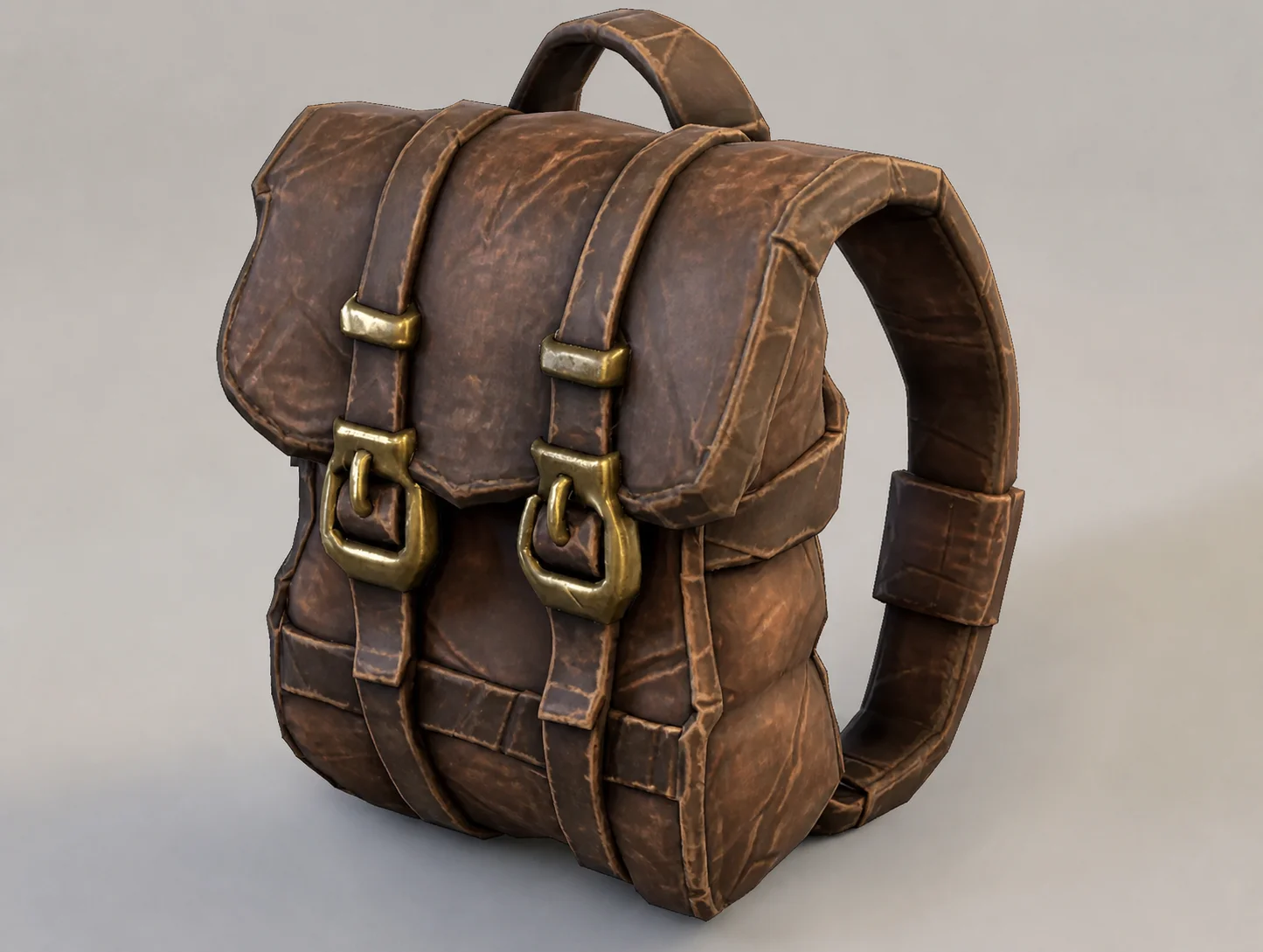
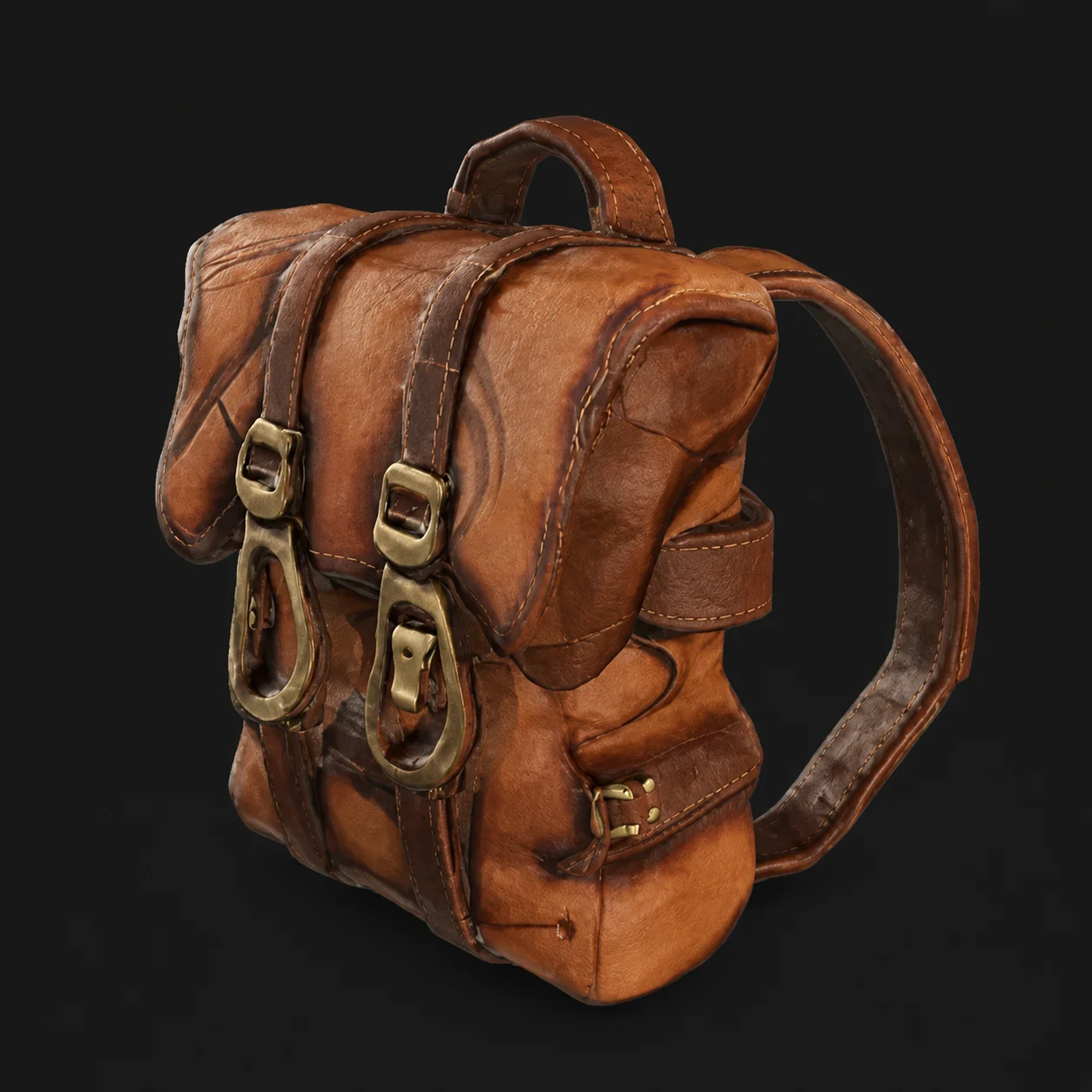
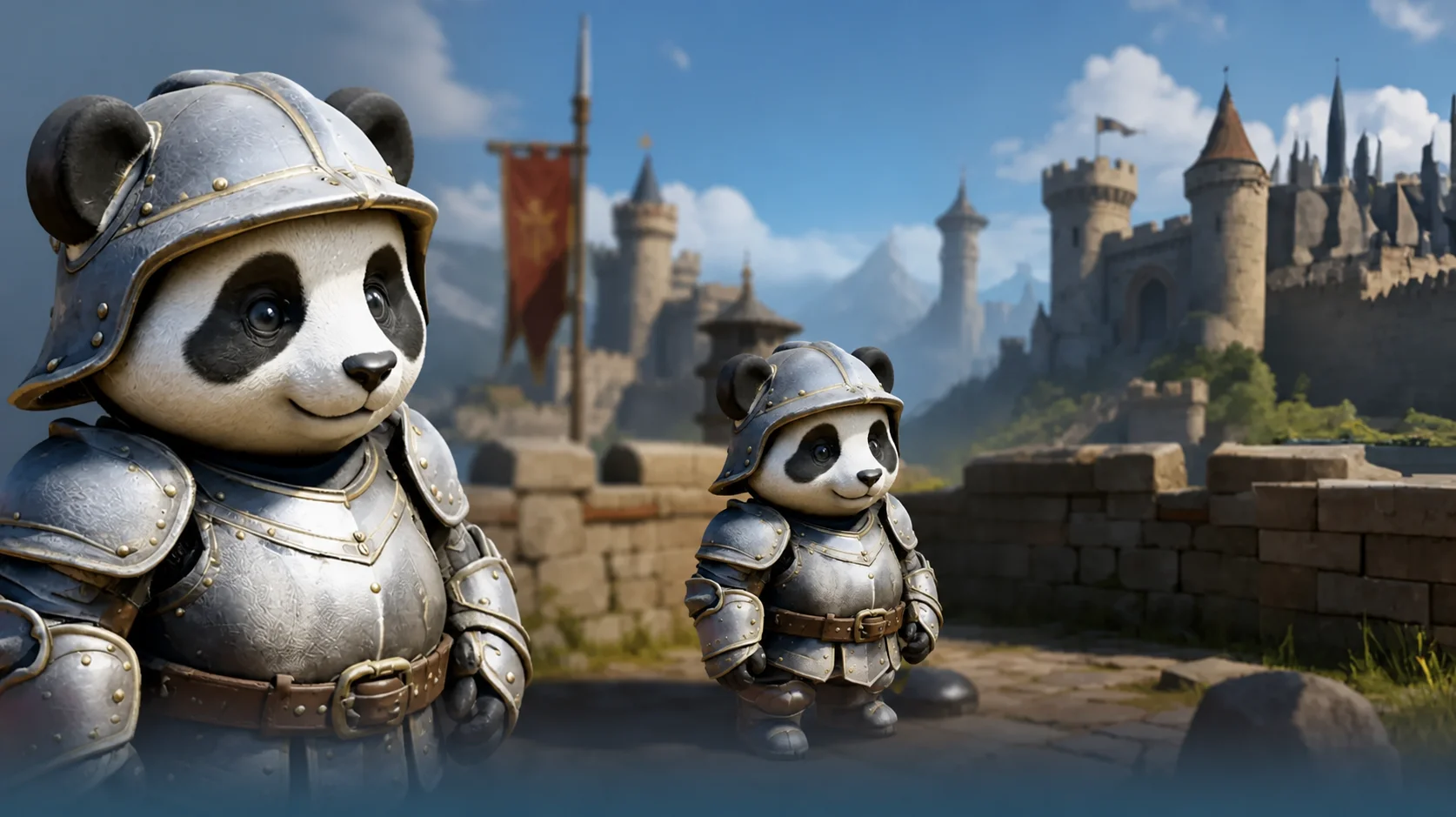
Props and assets built with this AI 3D model generator
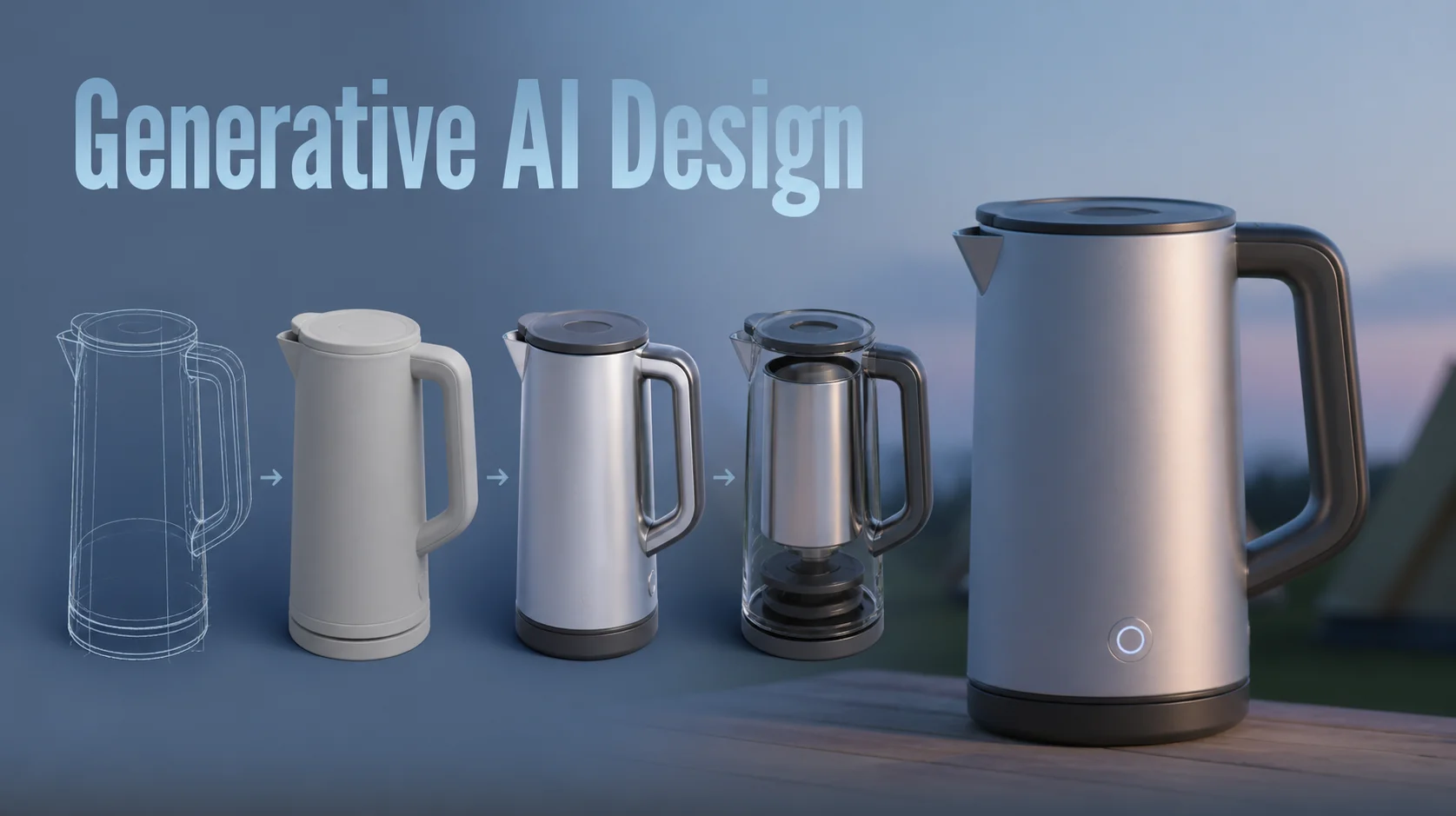
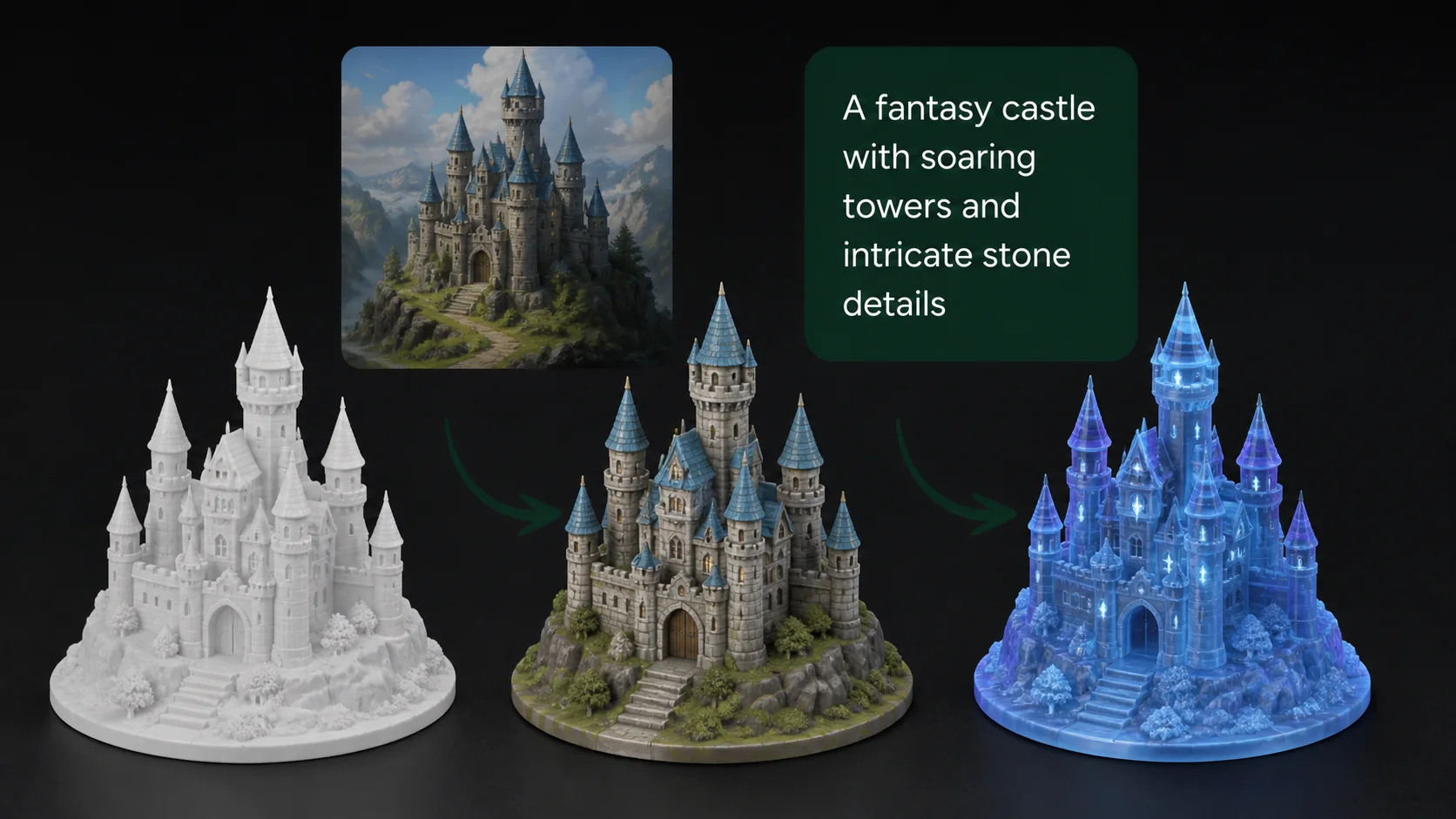
A simple three-step image to 3D pipeline: describe the object, let the AI paint a clean concept image, then watch that image become a fully textured 3D model in about one minute.
Nothing here needs an account or a download. Type a description, or drop in a photo, and the two-stage image to 3D pipeline takes over: a render pass first settles a clean concept picture, then a separate reconstruction pass infers the volume you cannot see and bakes color onto the resulting mesh. What comes back a minute later is a finished 3D model, not a flat preview, ready to open rather than sign up for. Every step runs in the same browser tab, so there is nothing to install and no queue behind other users waiting patiently around on a render slot.
01
Describe It or Drop an Image
Type one plain sentence describing the object you want in 3D — the material, the silhouette and the mood are usually enough. Prefer to work from a picture you already have? Drag a PNG, JPG or WebP file into the same panel and the AI 3D model converter uses it as the reference instead. There is nothing to install and nothing to configure.
Reference imageoptional
Drag and drop an image
an adventurer's leather backpack, worn straps
PNG · JPG · WebPup to 20 MB.glb out
Generate
02
Generate the Concept Image
The first AI stage renders your prompt as a clean, well-lit concept image with a single clear subject — exactly the kind of input an AI 3D reconstruction works best from. You can regenerate it until the shape reads the way you want before any 3D geometry is built.
03
Convert to 3D & Download
The second AI stage reconstructs that image as real geometry, bakes the texture onto it and hands you a finished 3D asset. Orbit it in the browser viewer, then download the .glb and drop it straight into Blender, Unity, Unreal, a web viewer or your slicer.
Both entry points run through the same AI 3D engine and both end with a textured 3D asset you can download. Start from a prompt when the object only exists in your head; start from an image when you already have the reference in front of you.
One Sentence, One 3D Model
Write what you want and the generator handles the rest: the first AI stage paints the concept image, the second turns that image into 3D geometry with clean topology and baked textures. It is the fastest route from a rough idea to a usable asset, and it is ideal when you have no reference art at all — game props, collectibles, kit-bash pieces and printable trinkets.
an adventurer's leather backpack with brass buckles, worn straps
StyleRealistic
Mesh detailHigh
Bake textures
Generate 3D model
One Photo, One 3D Model
Drop in a product photo, a pencil sketch or a piece of concept art and the AI 3D converter rebuilds it as a fully textured 3D asset in about a minute. It is the most accurate path when proportions matter — a real object you need to prototype, a character sheet you have already drawn, or a reference shot of something you want to reprint at scale.
Two real AI models, one browser tab, and a 3D file you can open anywhere — no 3D suite required.
Prompt-to-Image AI
The first stage turns plain language into a single, clean, well-lit concept image. It is tuned for isolated subjects on neutral backgrounds — the exact input that makes an image to 3D reconstruction sharp instead of mushy.
Not happy with the shape? Regenerate the image as many times as you like before spending time on geometry.
Image-to-3D AI
The second stage is a dedicated image to 3D reconstruction model. It reads your image, infers the volume behind it and outputs a watertight mesh with the texture already baked on — front, back and sides.
The same engine runs whether the input was AI-generated or a photo you uploaded yourself.
Textured 3D Export
Every 3D model downloads as a single .glb file with its texture packed inside, so there are no missing-material surprises. GLB is the format Blender, Unity, Unreal, Godot, three.js and every modern web viewer open natively.
Need STL or OBJ for a slicer? Any 3D tool converts a .glb in one click.
No 3D Software, No Setup
The whole AI 3D workflow runs in the browser — nothing to download, no plugin, no licence, no learning curve. It works the same on a laptop, a studio workstation or a tablet on the train.
There is no account wall in front of the generator either: type a prompt and press the button.
High-Fidelity 3D Mesh
Hard edges stay hard, curved surfaces stay smooth and small details like buckles, rivets and engravings survive the conversion. The mesh comes out closed and manifold, which is what a slicer and a game engine both want.
Pick High mesh detail when you plan to print the model, Standard when you need it light.
Fast, Repeatable 3D Runs
A typical prompt reaches a finished, downloadable 3D result in about a minute, so iterating is cheap: change three words, run the AI again, compare the two 3D results side by side. That turnaround is the real difference between an AI 3D generator and sculpting the asset by hand.
Every run is independent — nothing is queued behind a project or a workspace.
Gallery
Sharp, Detailed 3D Geometry, Every Run
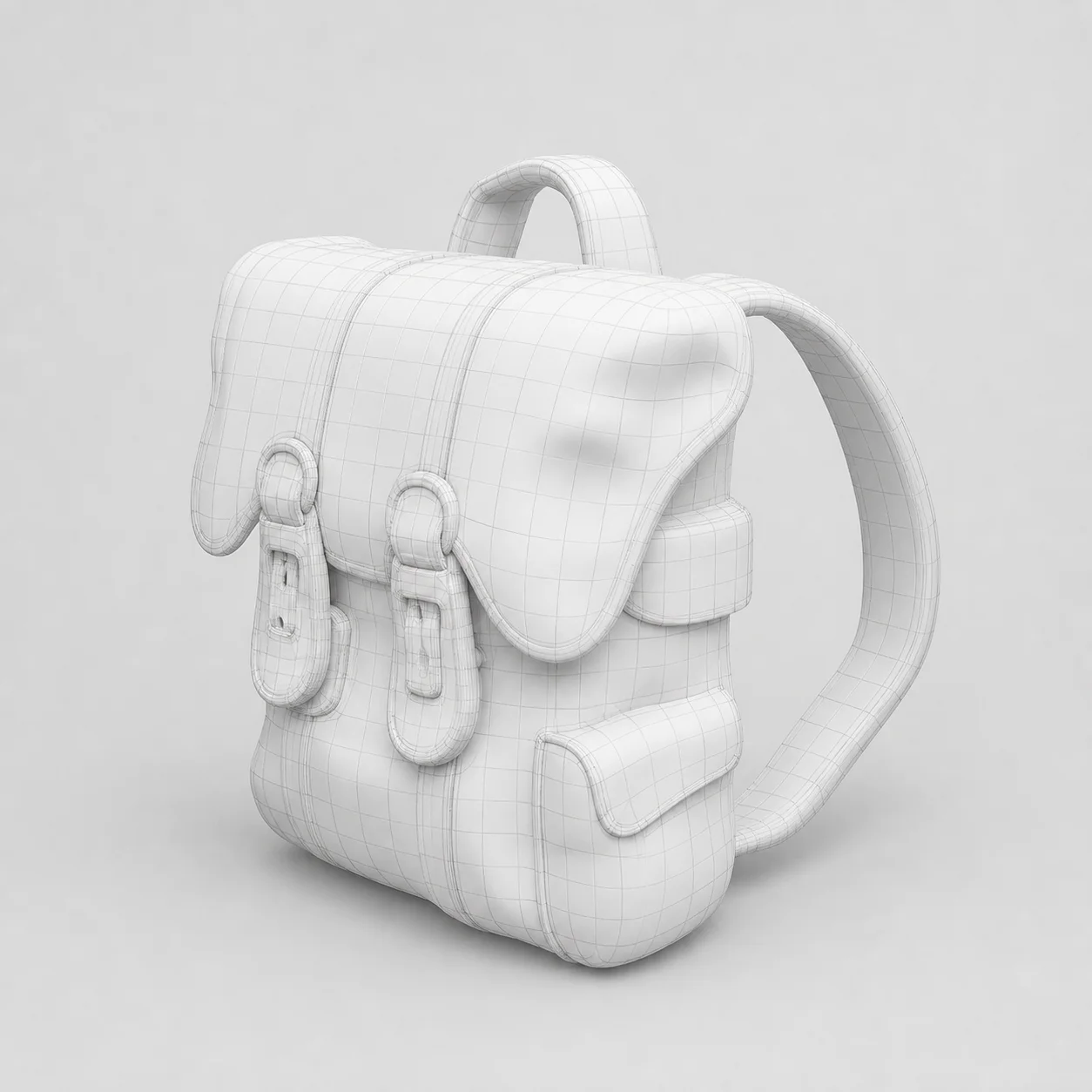
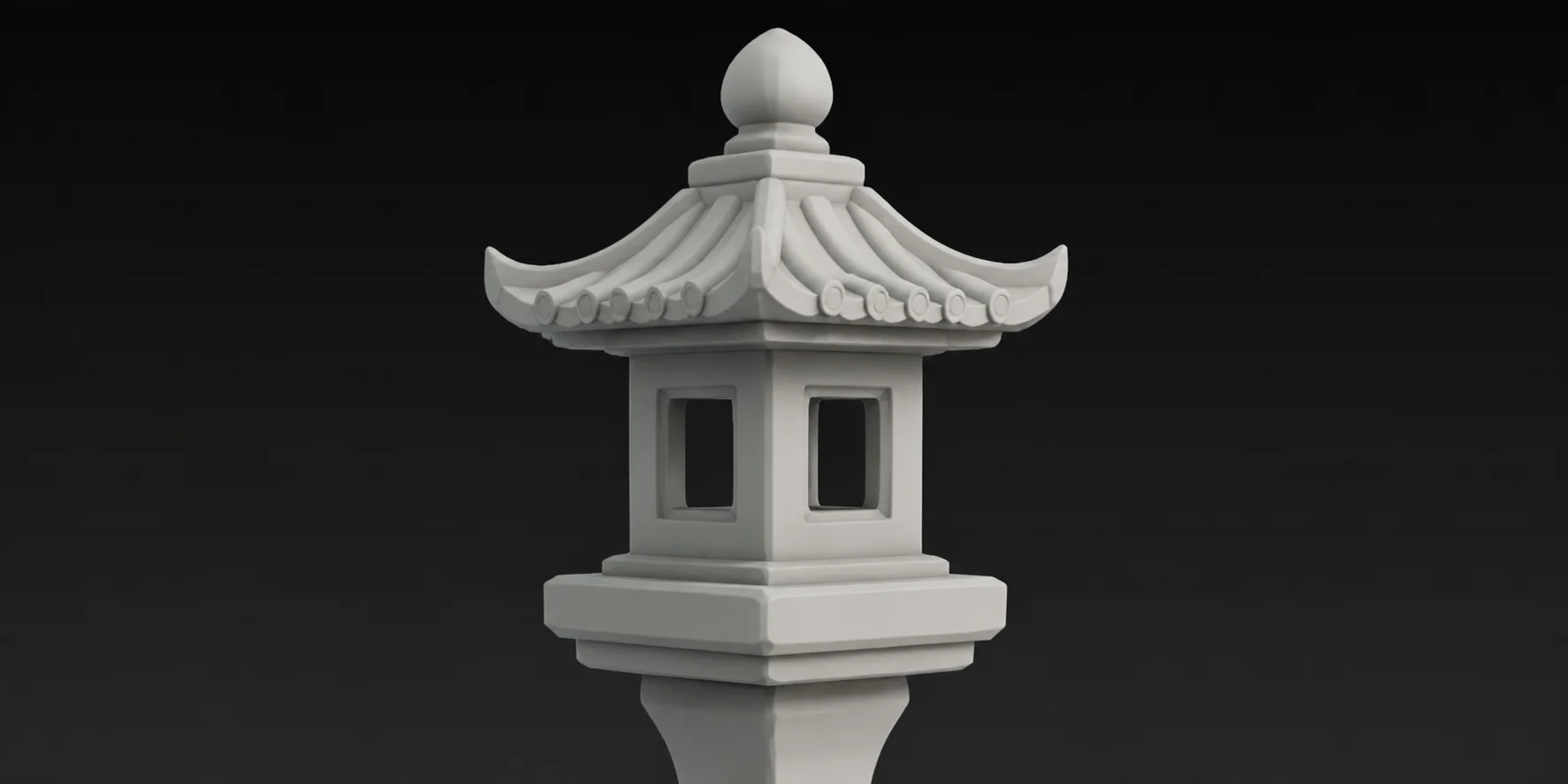
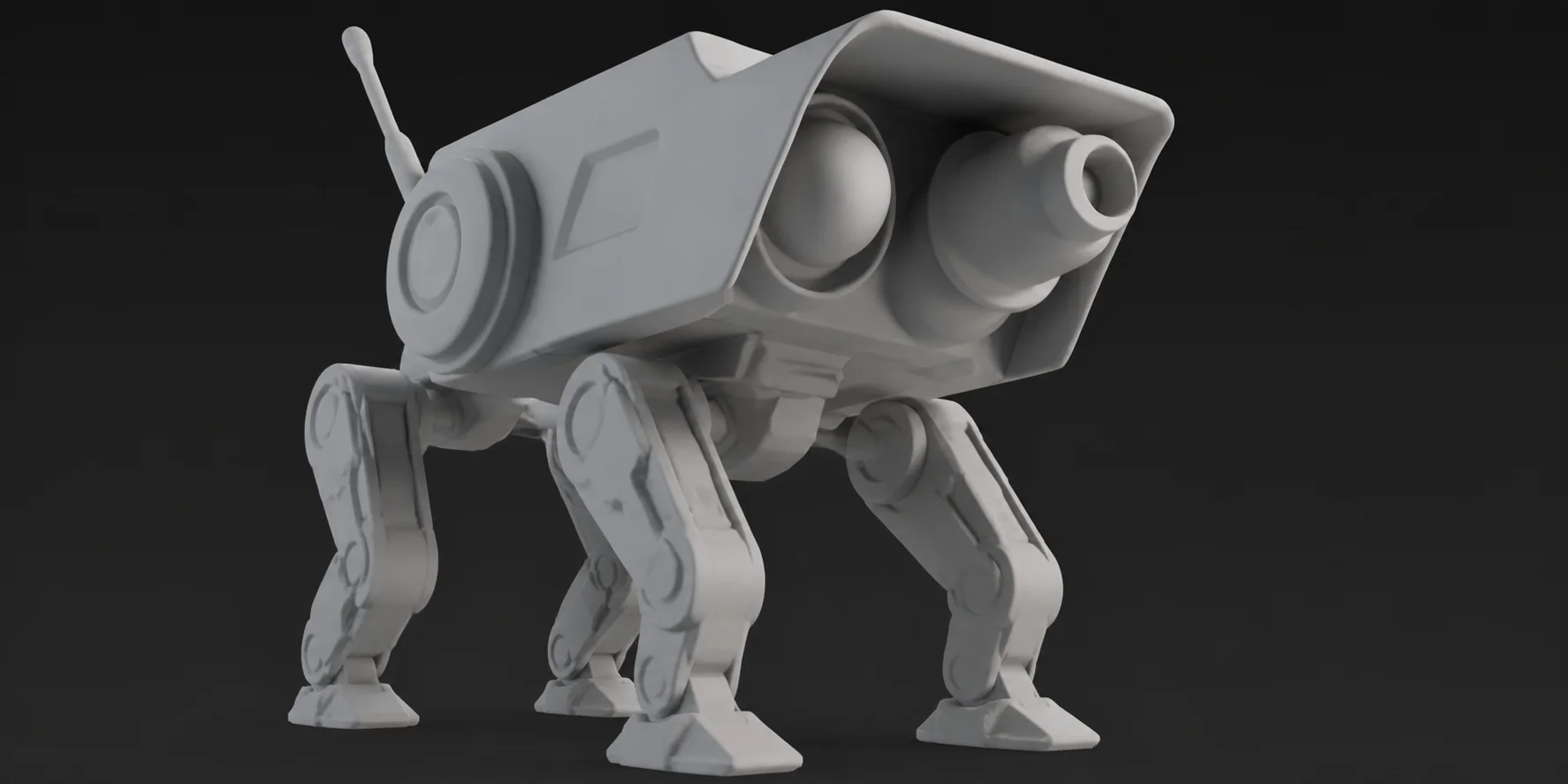
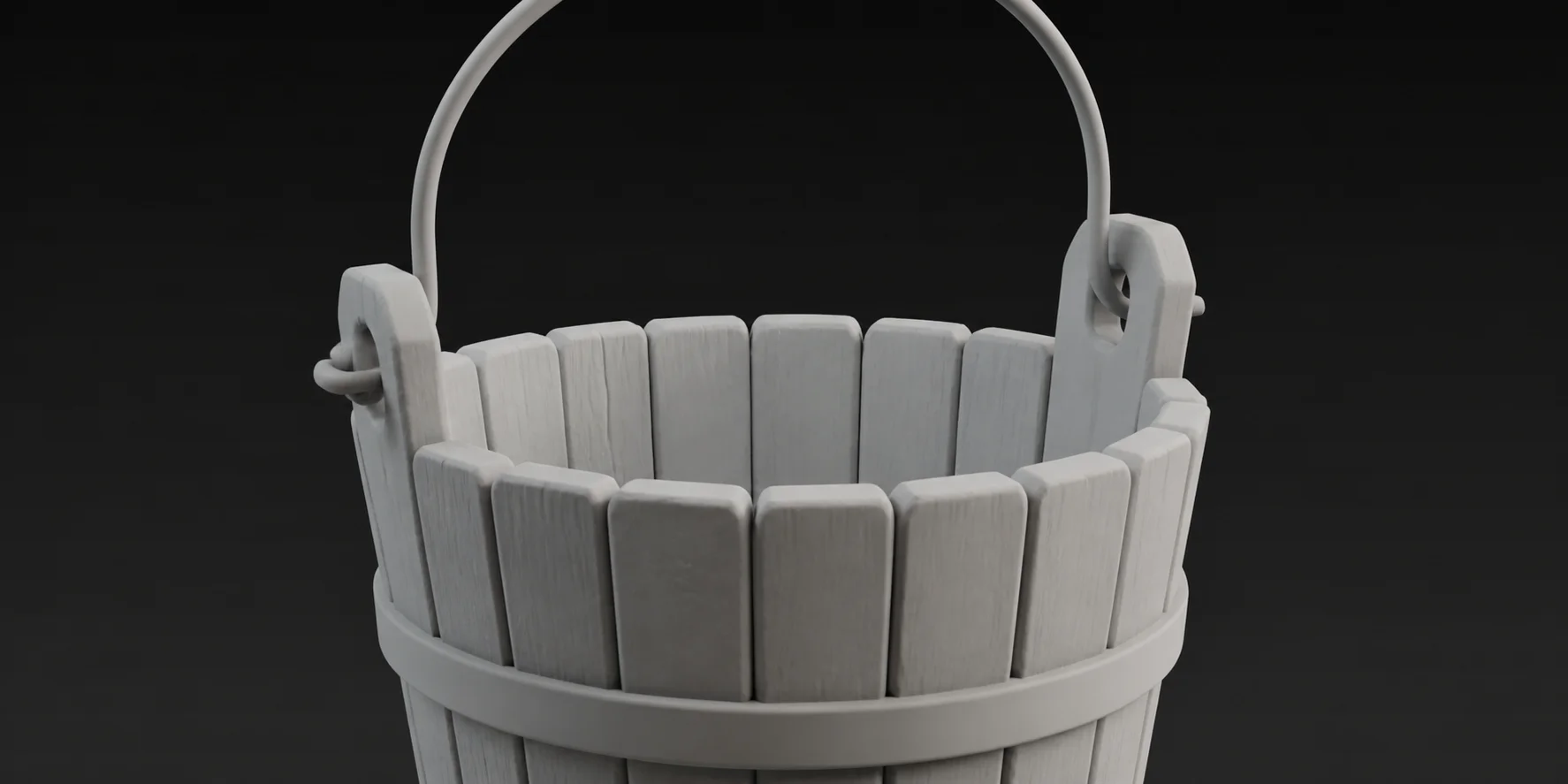
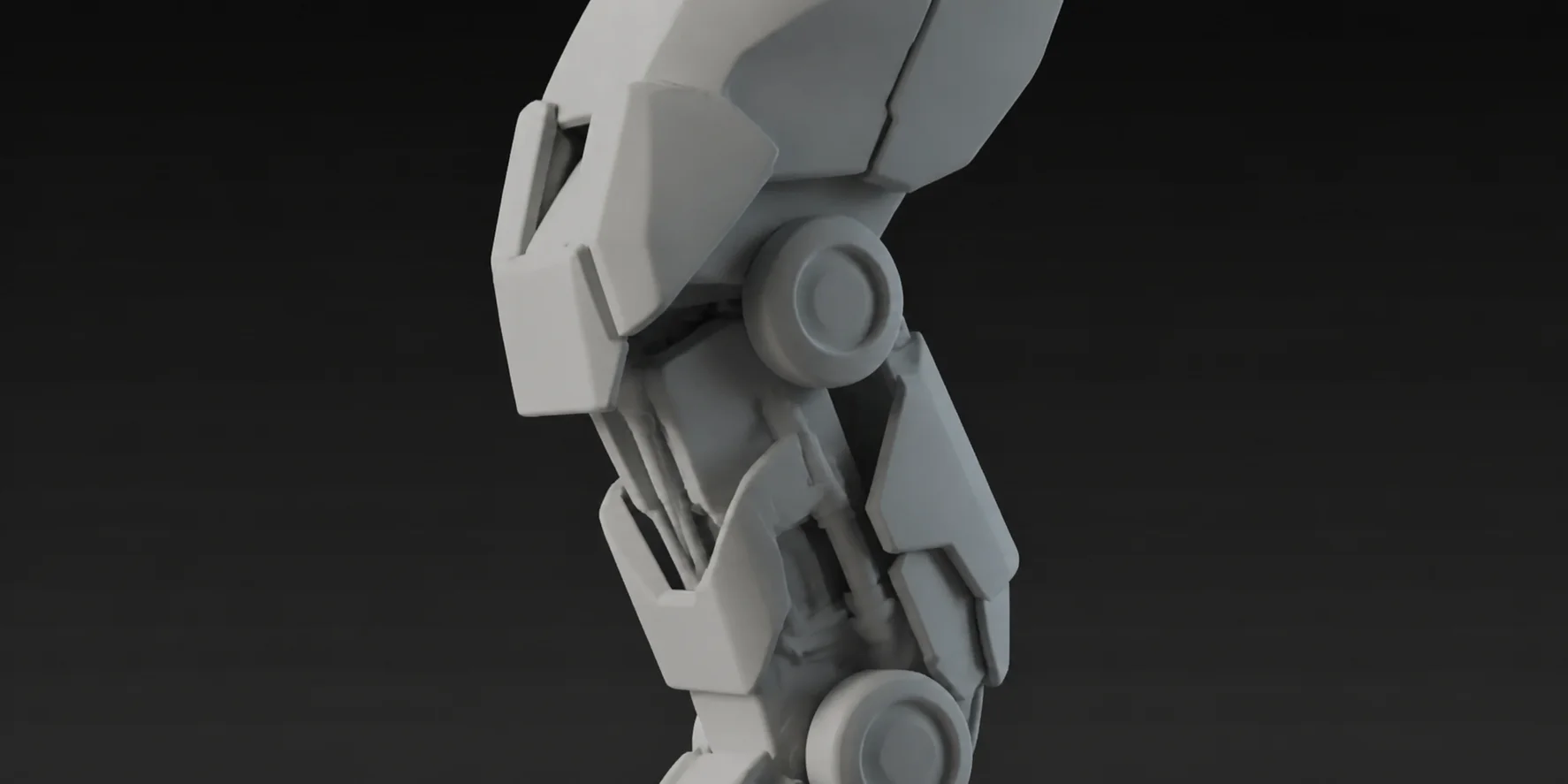
Clay renders straight out of the converter, with no cleanup pass. Crisp edges, believable thickness and readable detail are what make a generated 3D model actually usable downstream.
Stone lantern · hard edges preservedPatrol robot · clean panel linesWooden bucket · thin handle intactMech leg · sharp joints
Built for Every 3D Workflow
One AI 3D pipeline, four very different places the file ends up.
Anyone who needs a 3D shape fast ends up here rather than opening traditional modelling software cold: hobbyist makers pulling a form off a reference photo, indie developers blocking out a level overnight, product folks who want something to rotate in a deck before committing to CAD. The four workflows below share the same starting point — one reference image in, one textured model out — and differ only in which detail setting and export format the destination expects. Pick the workflow closest to yours and start there, since every model begins from the same underlying pipeline.
Game Development
Turn concept art into blockout-ready 3D props in seconds instead of scheduling a modelling task. The .glb drops straight into Unity, Unreal, Godot or Blender with its material intact, so an indie team can fill a level with original assets while the design is still moving. Iterate the prompt, reimport, keep playing — the AI 3D loop is short enough to use during a jam.
Product Prototyping
Photograph the object on your desk, or sketch the one that does not exist yet, and get a 3D file you can rotate in a pitch deck the same afternoon. Stakeholders understand a spinning 3D model far faster than a flat image, and the file is light enough to embed in a web page or a shared review link without a CAD licence anywhere in the loop.
3D Printing
Hobbyists use the converter to get printable geometry out of a picture without touching traditional modelling software. Generate the 3D geometry, export the .glb, convert it to STL in your slicer and print. Choose High mesh detail for miniatures and terrain, where the small surface detail is the whole point of the print.
AR, VR & the Web
GLB is the native format of WebXR, model-viewer and most AR frameworks, so a model generated here is already in the right container for an immersive scene or an interactive product page. Use Standard mesh detail to keep polygon counts light for mobile headsets, and the baked texture keeps the asset looking right under real-time lighting.
What Creators Say About Image to 3D
“
The image to 3D step works surprisingly well for quick conversions. I can hand it a reference picture and get a usable 3D model back without needing advanced modelling skills, which saves a lot of time compared with building everything from scratch.
ARArts & crafts makerUses the 3D models for resin printing
“
We use it to fill a prototype level with placeholder props. Typing a prompt and getting a textured 3D model a minute later means the level keeps moving while the art direction is still being argued about.
IGIndie game developerShips to Unity and Godot
“
What sold me was that there is no software to install. I open a tab, drop in a product photo, and download a 3D model I can spin in a client review — the whole AI 3D round trip fits inside a coffee break.
PDProduct designerUses .glb in web review decks
Related Use Cases
Where creators put these AI 3D models to work.
3D Printing
Turn a single image into a watertight mesh that lands in your slicer clean.
Tap a term to see what it means in the context of AI 3D generation.
Image to 3D
The process of reconstructing three-dimensional geometry from one or more flat images. A neural network infers the volume, depth and hidden surfaces implied by the picture and outputs a mesh you can rotate, light and export.
Frequently Asked Questions
Everything about the image to 3D pipeline — how it works, how long it takes, and what you can do with the 3D model once you have it.
It runs in two AI stages. The first takes your written prompt and paints a single clean concept image of the object — one clear subject, neutral background, even lighting. The second stage is a dedicated AI 3D reconstruction model: it reads that image, infers the volume and the surfaces you cannot see, and outputs a textured 3D mesh. If you upload your own picture, the first stage is simply skipped and your image goes straight into the 3D stage.
Most runs finish in about a minute. The concept image usually takes a few seconds, and the AI 3D reconstruction is the longer half. Larger, more detailed subjects and the High mesh detail setting push the total up; a simple prop at Standard detail often comes back faster than that. The progress bar shows which of the two stages is currently running.
Yes. Switch to Start From an Image and drop in a PNG, JPG or WebP file. A product photo, a pencil sketch, a screenshot of concept art — anything with one clear subject works. Uploading is the more accurate route whenever proportions matter, because the 3D model is reconstructed from your own image rather than from something the AI invented.
Every 3D model downloads as a .glb file — a single binary container holding the mesh, the materials and the texture together, so nothing goes missing when you move it between machines. GLB imports natively into Blender, Unity, Unreal Engine, Godot, three.js, model-viewer, Apple Quick Look and most AR frameworks. If your slicer wants STL or 3MF instead, any of those tools will convert the .glb in a single export step.
No. The generator is open on this page — write a prompt, press the button and download the 3D model. There is no registration form, no email wall and no dashboard to set up before you can see whether the AI 3D output is good enough for your project.
Neither. Everything runs in the browser and the only skill involved is describing an object in plain language. You do not need Blender, ZBrush, Maya or a CAD package to produce the 3D model — you only need one of them later if you decide to edit what the converter gave you.
You do. The prompt is yours, the uploaded image is yours, and the resulting 3D model is yours to use, modify, print, publish or ship inside a product. Nothing about the output is held back or watermarked, and the file you download is the complete asset.
PNG, JPG and WebP, up to 20 MB per image. Resolution matters less than framing: one subject, filling most of the frame, on a plain background, lit evenly. A 1024 px square crop of a well-lit object converts better than a 4K photo of the same object sitting in a cluttered room.
Almost every disappointing result traces back to an ambiguous input. Re-run the concept image first and check that the subject is isolated, unobstructed and photographed from a three-quarter angle rather than dead-on. Then tighten the prompt: name the material, the era and the shape instead of the mood. Removing a busy background or a second object from an uploaded photo fixes the majority of failed image to 3D conversions on the retry.
Yes — GLB is a first-class import format in all three. Blender reads it through the built-in glTF importer, Unity accepts it directly in recent versions or via glTFast, and Unreal imports it through Interchange. Godot and three.js load .glb natively as well, which is why it is the single export format the converter ships.
Yes, and it is one of the most common uses. Generate the model at High mesh detail, download the .glb, then convert it to STL or 3MF in Bambu Studio, PrusaSlicer, OrcaSlicer, Cura or any other slicer. Check wall thickness on thin parts before printing — an AI image to 3D reconstruction can make a handle or an antenna thinner than your nozzle can actually lay down.
Open the generator, switch to the image tab, drop the JPG or PNG in and press convert. There is no separate JPG-to-3D or PNG-to-3D product to find — both file types feed the same image to 3D engine, and both come back as a textured .glb. The only thing that changes the result is the content of the image itself, not its extension.
Judge it on silhouette fidelity and on what happens to the back of the object. A good reconstruction keeps the proportions of the reference image, closes the mesh cleanly and invents the unseen side plausibly instead of smearing the front texture around it. Feed the same photo to any 3D converter you are comparing, then orbit both results to the rear three-quarter view — that is where the difference shows up.
Yes. The AI 3D pipeline runs on our servers, not on your device, so the page only needs a modern browser and a connection. You can photograph an object with a phone, upload it from the same screen and download the finished 3D model without moving to a desktop.
What downloads at the end is one .glb file with the geometry and the baked color already fused together — no separate texture pack to relink, no material setup to redo in another program. Open it in Blender, drop it into a game engine, or view it straight in a browser, and the shape looks the same everywhere because the file carries its own surface data alongside the mesh. Nothing installs on your machine, no account gets created, and no run of the generator is ever billed. Come back and build another 3D model whenever a new idea shows up, at no cost, with the same browser tab you already have open.
Start Turning Images Into 3D Models — Free
No signup, no software to download, no 3D modelling experience. Type one sentence into the AI generator and download your first textured 3D model in about a minute.
Image to 3D is an independent AI tool. Blender, Unity, Unreal Engine and Godot are trademarks of their respective owners and are named here only to describe file compatibility.