Image to GLB Converter: Turn a Picture Into a Textured Mesh
Upload a single photo, or let a prompt paint the concept first, and the reconstruction rebuilds it as a textured 3D mesh in about a minute. The generator hands you a .glb with materials baked in — no account, no fee, and it all happens in the browser tab.
Overview
What Is an Image to GLB Converter?
An image to glb converter reads a flat image and produces a GLB — the binary container for glTF, the standard 3D exchange format that holds geometry, materials and textures in one file. On this site the flow is a short two-stage pipeline: your picture becomes a clean concept image, and that concept becomes a textured 3D mesh via the Hunyuan3D reconstruction model. If your next stop is a game engine or an AR view, it is the file that carries color and surface finish with it.
The whole run is browser-only and account-free. You do not need a render farm, a GPU of your own, or a design degree — a single clear image is the only input the converter needs.
Why It Matters
Why Move From a Picture to a Textured Mesh?
A photo records light on a flat plane; a textured 3D mesh records surface in three dimensions, with the look still attached. That is exactly what a game asset, a product preview, or an AR placement needs.
Because the concept stage first isolates the subject and the reconstruction pass then wraps it in 3D geometry that matches the concept, the .glb you download is already lit and colored — which is what tools like Unity Online expect. Compare that with a bare wireframe or an untextured STL, and you can see why this path is the native output here.
Try It in Your Browser
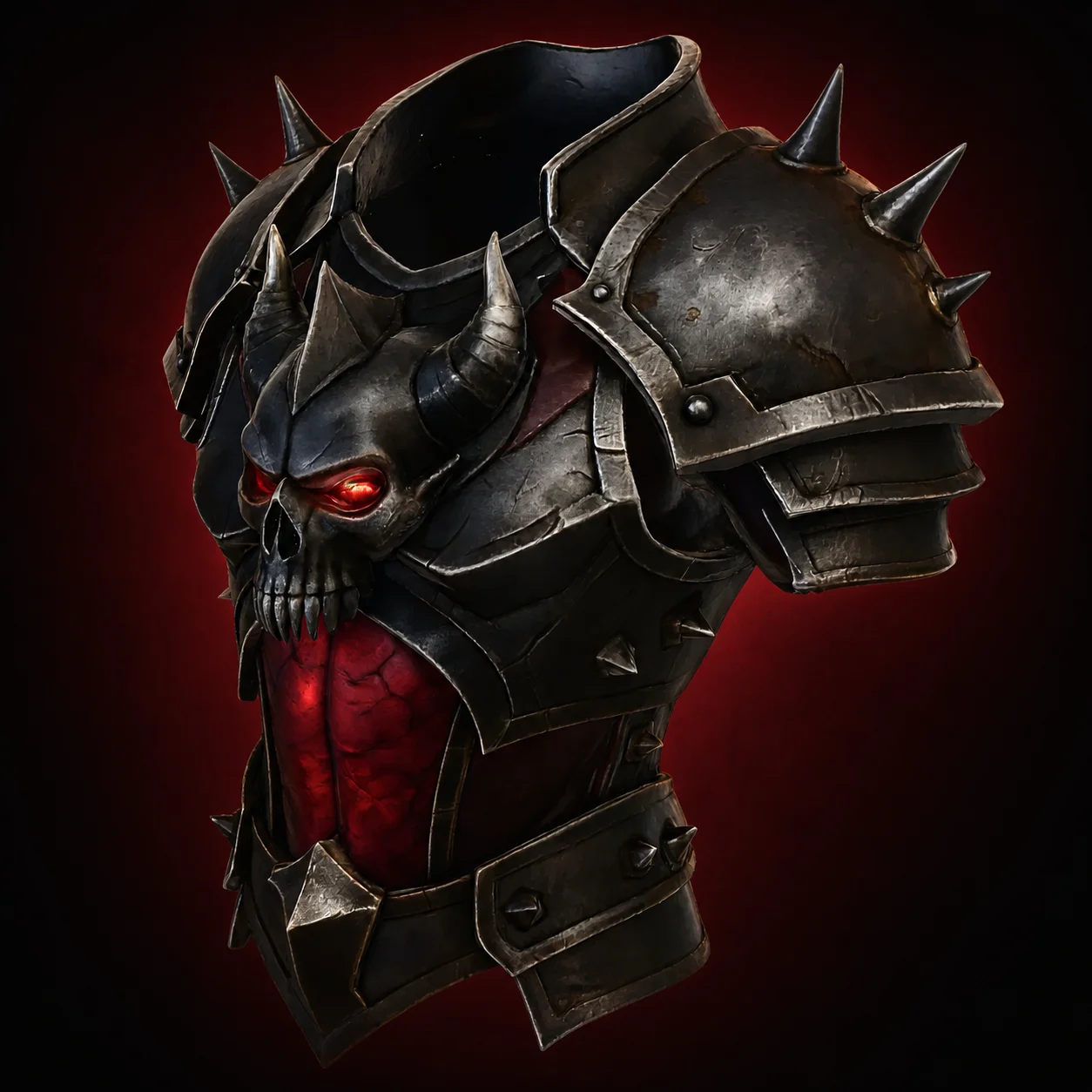
A static preview of the panel that runs on the home page.
Protected by Cloudflare Turnstile. No account and no email needed.
What the File Actually Delivers
| Property | What the file holds |
|---|---|
| Container type | Binary glTF — the compressed form of glTF 2.0. |
| Materials | PBR materials embedded, including base color and roughness. |
| Texture storage | Inside the file — no external image paths to break. |
| File count | One .glb to download, move and share. |
| Compatible with | Blender, Unity, Unreal, Godot, three.js, model-viewer, AR Quick Look. |
Questions
Frequently Asked Questions
Usually not. The .glb is a self-contained binary glTF — 3D geometry, materials and textures all live inside one file. Most modern viewers, engines and editors open it as-is; convert only when a specific tool asks for a different format like OBJ or FBX.
Color, PBR materials, and textures. STL stores bare triangles and nothing else; it carries the surface look alongside the 3D geometry, so it stays faithful to the concept image the converter rebuilt.
Close to it — the pipeline bakes the cleaned concept image's colors and materials onto the 3D mesh, and the .glb stores them as embedded textures. Very fine original detail is simplified along with the 3D geometry, but the overall look is preserved.
Yes. The browser itself is enough — model-viewer, three.js demos, AR Quick Look on iPhone, and sites like the Sketchfab viewer all render it natively, so you can inspect the result before pushing it into a heavyweight 3D editor.
Export the .glb from free tools like Blender or a conversion service. Unity and Unreal both import it through their asset pipelines, and one export pass gives you the FBX or OBJ each engine prefers.
Keep reading
More Ways to Turn an Image Into a 3D Model
Explore image to 3D
Turn Your Image Into a 3D Model — Free
No signup, no software, no modelling experience. Drop in an image or describe one, and download a textured .glb in about a minute.